
Trade with precision. Manage risk with confidence.
AYA Markets Money Manager
Professional execution, risk management and trade control for MetaTrader 4 and MetaTrader 5.
Built around your trading decisions.
Control your risk
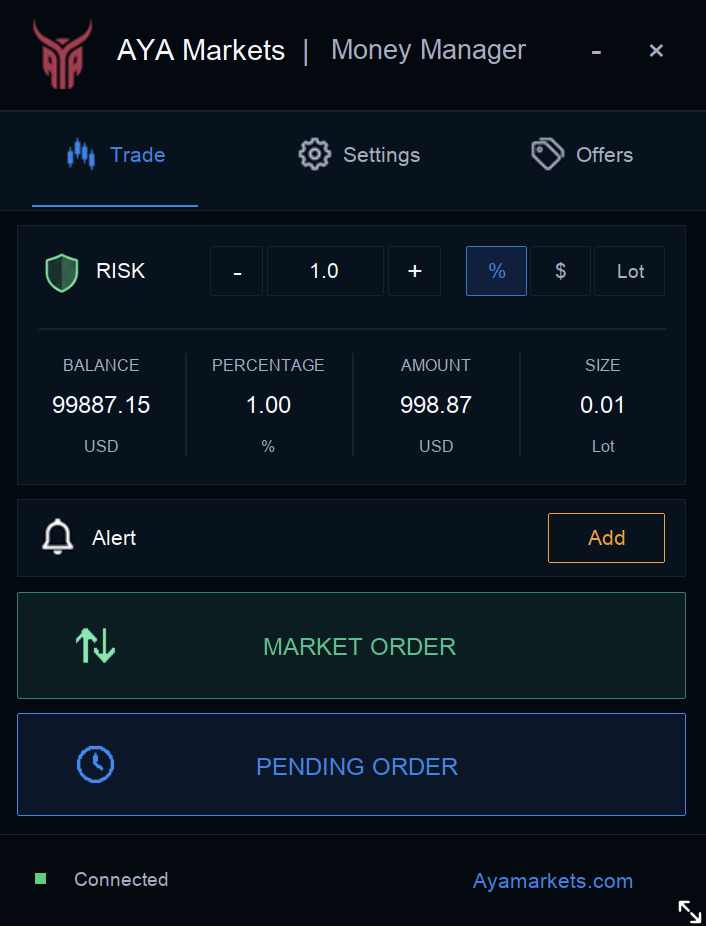
Set risk by %, $, or Lot, with automatic position sizing.
Execute faster
Place Market Orders and Pending Orders.
Manage every position
Multiple TP, partial TP, Risk Free and Partial Close.
Explore Features
Everything you need. Right where you trade.
Smart Risk Management
Set risk by %, $, or Lot, with automatic position sizing.
Fast Execution
Place Market Orders and Pending Orders.
Trade Management
Multiple TP, partial TP, Risk Free and Partial Close.
Alerts & Updates
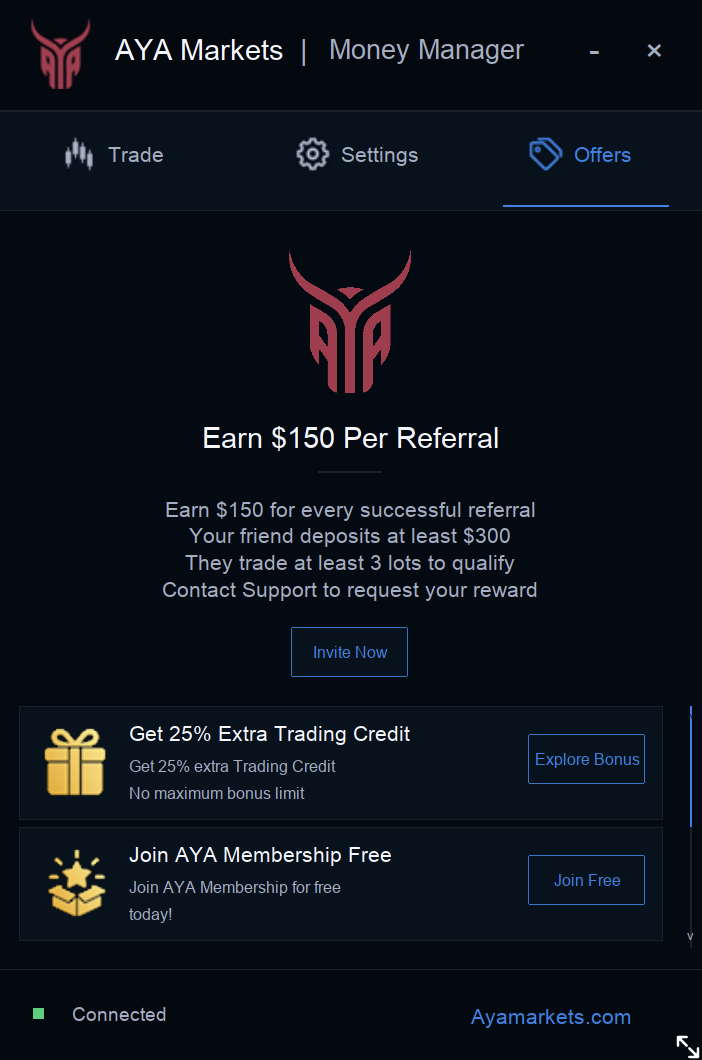
Trading alerts, plus AYA offers, promotions and update notices.
MT4 & MT5 support
Work with MetaTrader 4 and MetaTrader 5.
Multi-language support
Use Money Manager in multiple languages.
See it in action
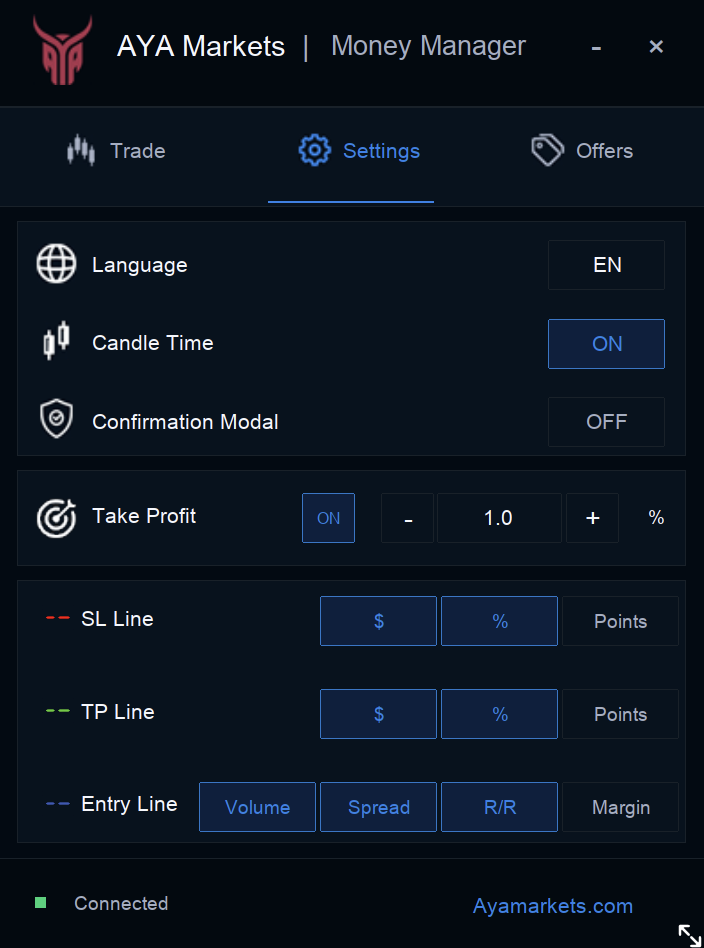
Smart Risk Management
Choose how you define risk. Money Manager calculates the position size automatically.
- Risk % — define risk as a percentage.
- Risk $ — define risk as a dollar amount.
- Fixed Lot — specify a fixed lot size.
- Automatic size calculation — position sizing based on your selected risk settings.
Trade Management
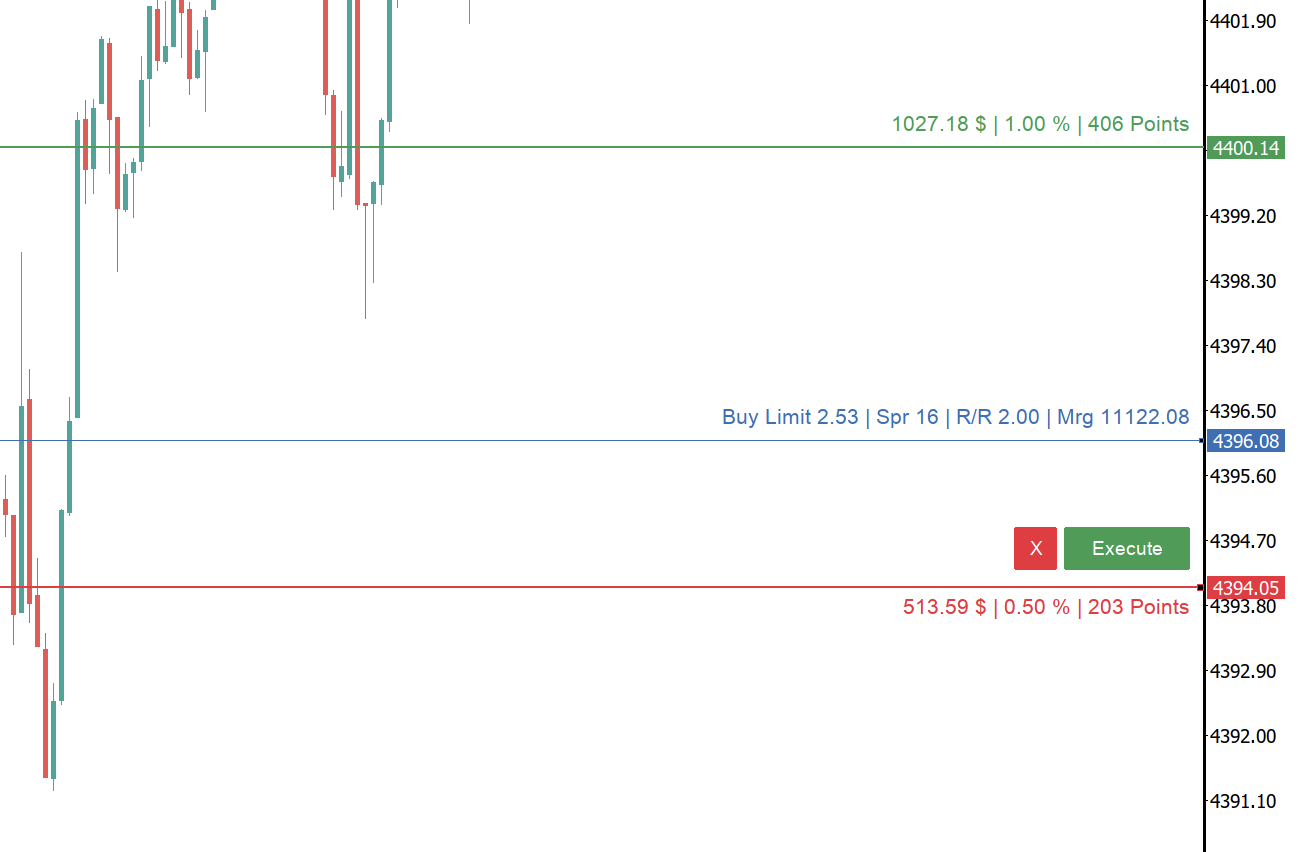
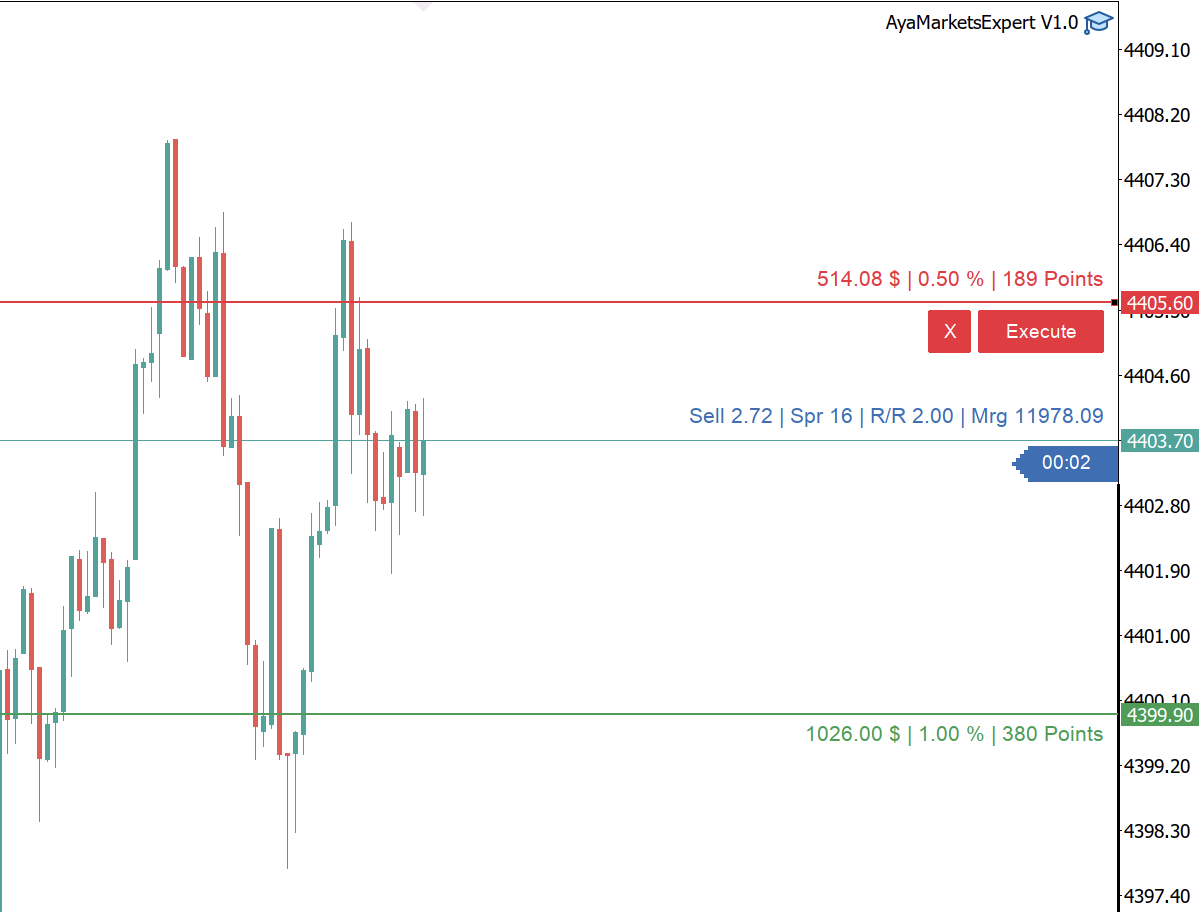
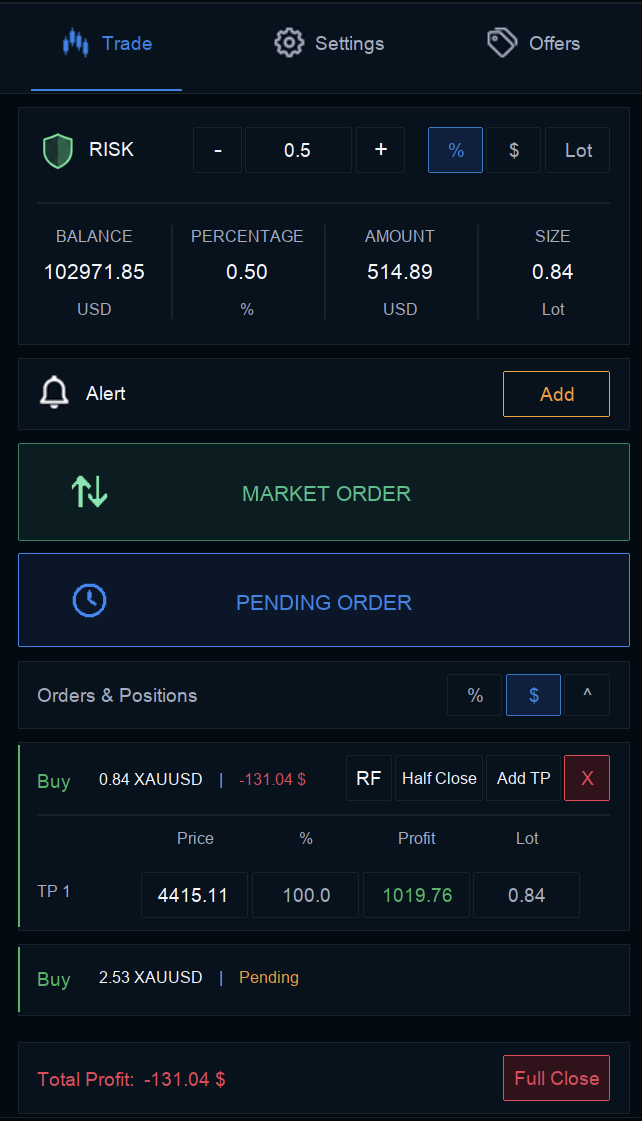
Control your positions from entry to exit, with SL and TP directly on the chart.
- Multiple take-profit levels — manage several exit targets.
- Partial take profit — take profit on part of a position.
- Partial close — close part of an open position.
- Risk Free — use the Risk Free trade-management function.
- Chart SL/TP — manage stop-loss and take-profit directly on chart.
From download to your next trade.
Download
Download the Money Manager installer when the download is available.
Install
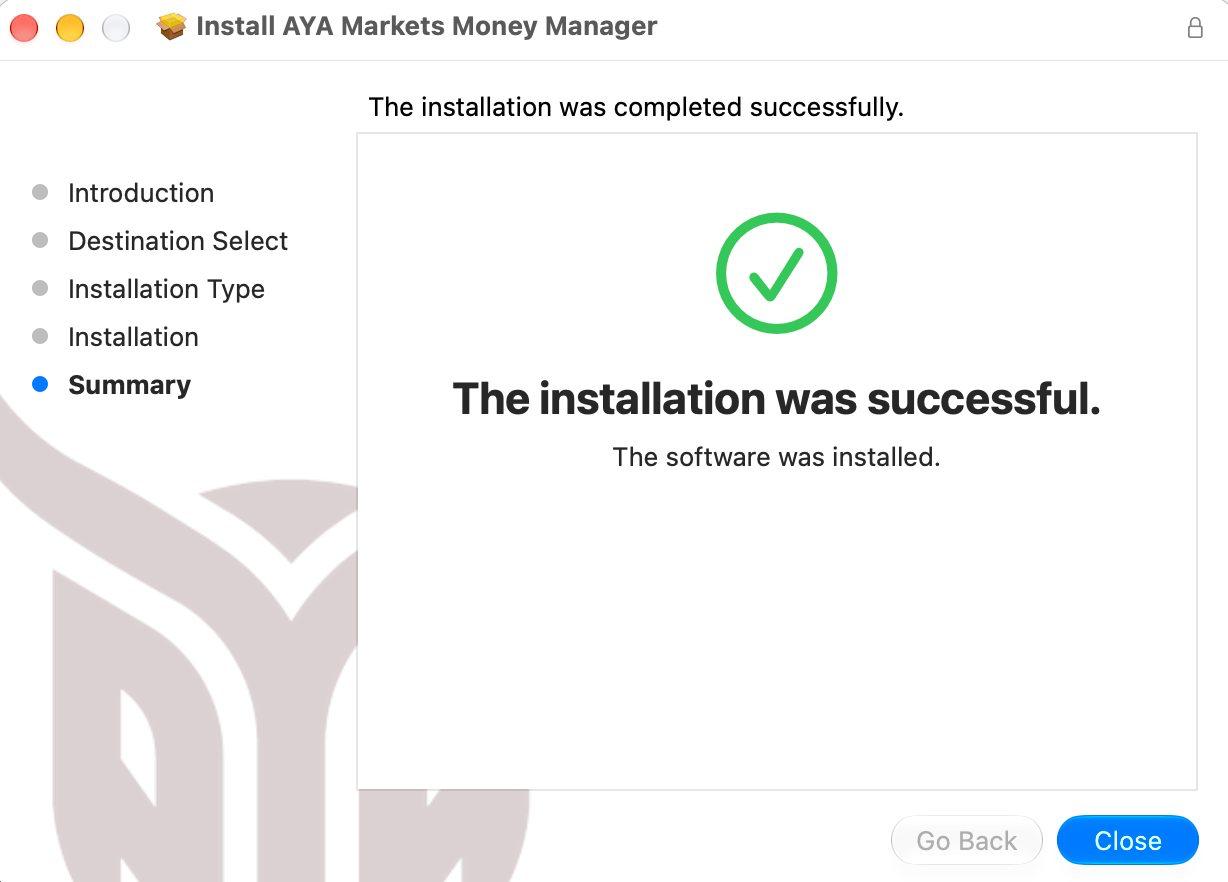
The installer detects relevant MetaTrader 4 and MetaTrader 5 data folders for the current user.
Trade
Open your MetaTrader platform and use Money Manager to manage risk and trades.
Money Manager FAQ
What is AYA Markets Money Manager?
AYA Markets Money Manager is a tool for MetaTrader that brings risk settings, order placement and position management into your trading workflow. You choose the settings and trading actions; it does not replace your trading decisions.
Does it work with MetaTrader 4 and MetaTrader 5?
Yes. Money Manager supports MetaTrader 4 and MetaTrader 5. The installer detects relevant MetaTrader data folders for the current user.
How does position sizing and risk by %/$/Lot work?
You can set risk as a percentage or a dollar amount, or specify a fixed lot size. Money Manager calculates position size using your selected risk settings. Review the calculated size and order settings before placing a trade; the calculation does not guarantee a particular outcome or limit every possible loss.
Can I manage Stop Loss and Take Profit on charts?
Yes. Money Manager provides chart-based Stop Loss and Take Profit controls, along with multiple take-profit levels and partial take profit. You remain responsible for choosing and reviewing your levels.
Can I partially close positions or use Risk Free?
Yes. Partial Close lets you close part of an open position, and Money Manager includes a trade-management function named Risk Free. The function name does not mean that trading becomes risk-free or that losses cannot occur.
Does Money Manager support Windows and macOS?
Yes. Official version 2.0.2 installers for Windows (.exe) and macOS (.pkg) are available from the platform-specific download buttons on this page.
How do I install Money Manager?
Download the installer for your platform and close MetaTrader before running it. The installer detects relevant MetaTrader 4 and MetaTrader 5 data folders for the current user. After installation, reopen MetaTrader to use Money Manager.
InstallDoes using Money Manager guarantee profits?
No. Money Manager provides risk and trade-management tools, not a profit guarantee. Trading risk remains, losses can occur, and your trading decisions remain your responsibility.